 Writer
Features
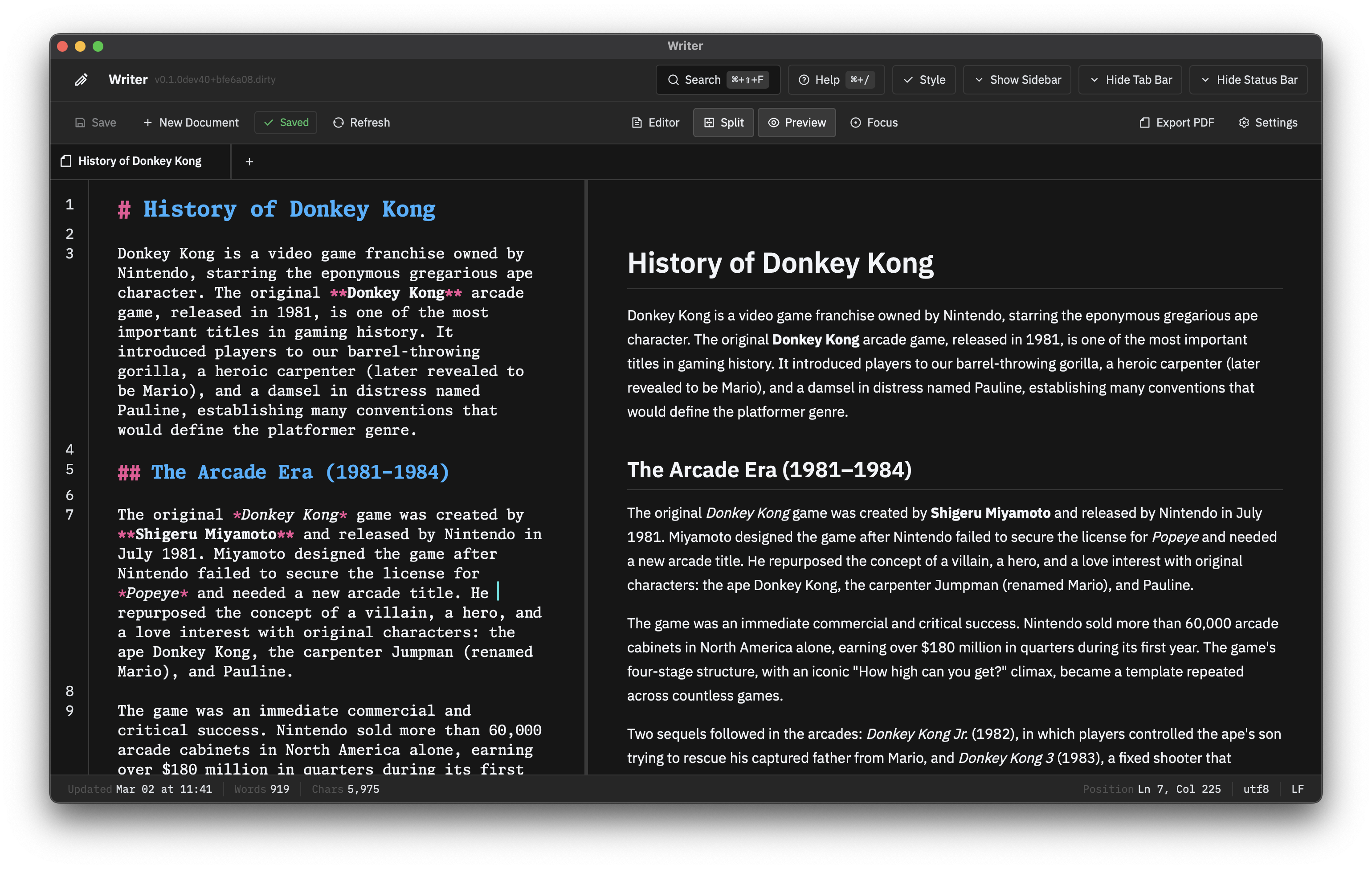
Markdown Editor
Built on CodeMirror 6. Fast, accessible, keyboard-driven.
- Live Preview — Rendered output alongside raw markdown
- Split Panes — Editor-only, preview-only, or side-by-side
- Resizable Divider — Drag to set pane ratio
- Document Tabs — Multiple open files, draggable to reorder
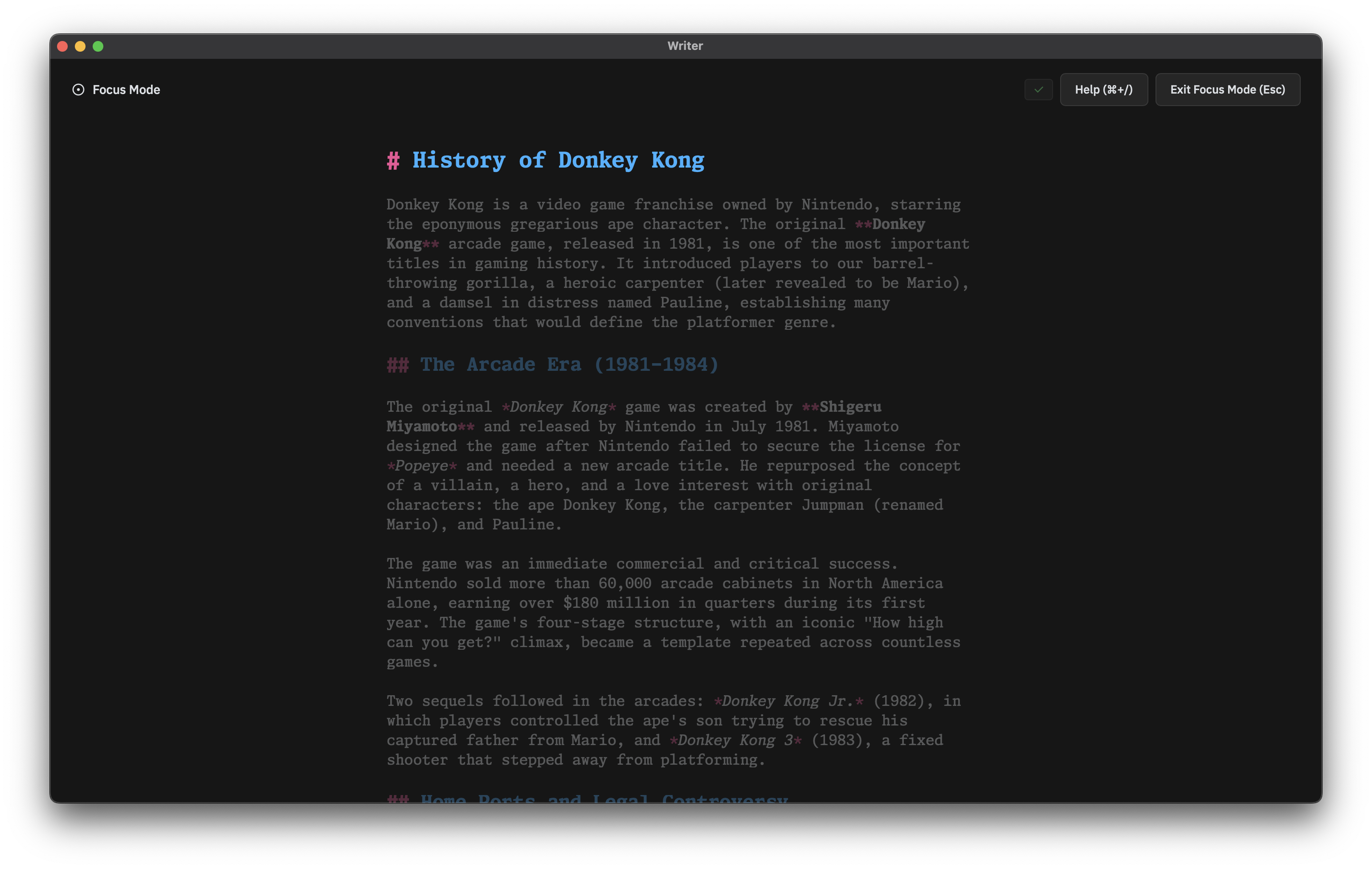
Focus Mode
Strips the interface down to the text.
- Typewriter Scrolling — Cursor stays centered as you type
- Dimming — Surrounding text fades to keep you in the current paragraph
- Minimal Chrome — Toolbars and panels step aside until needed
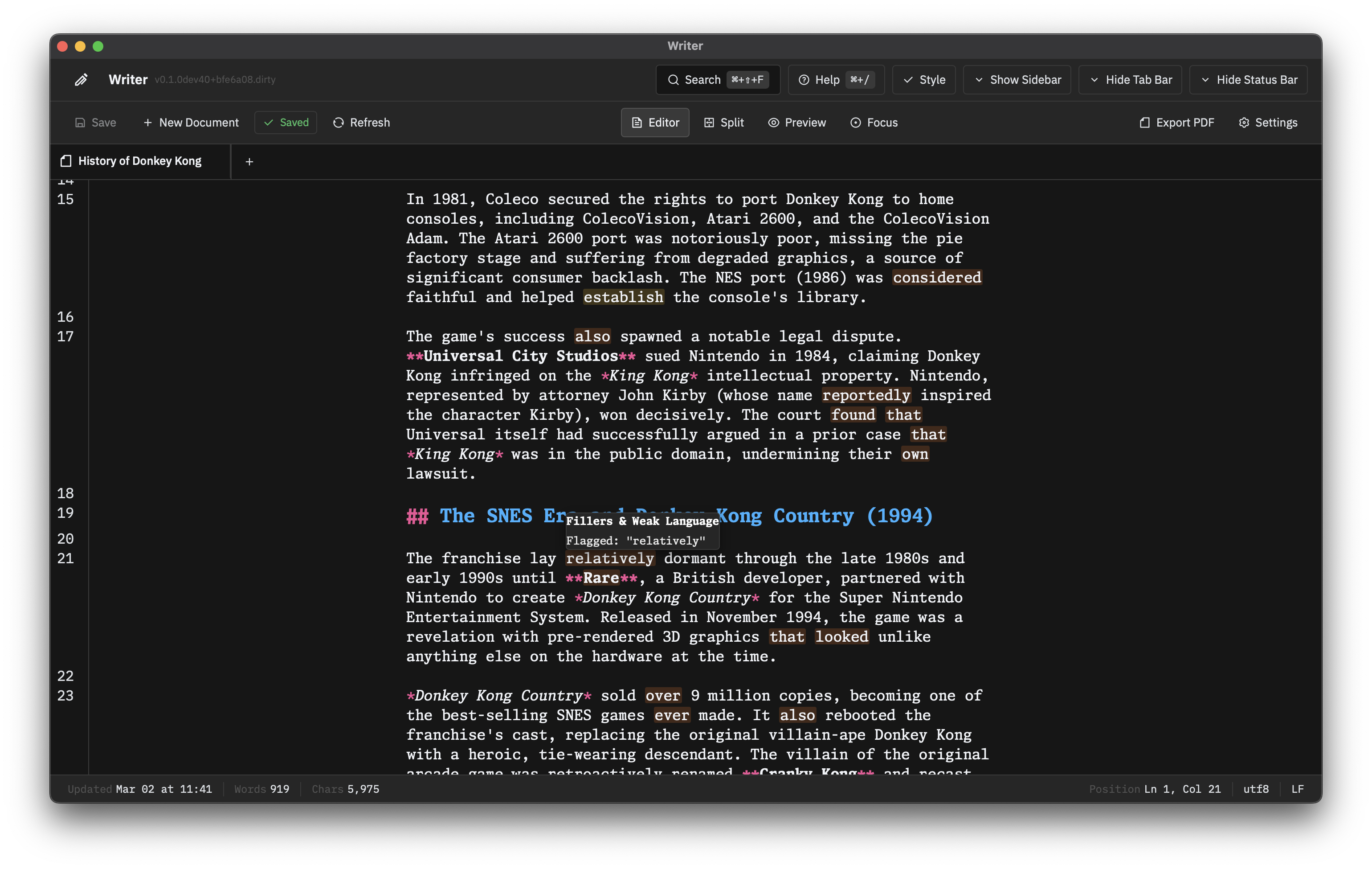
Writing Assistance
Real-time feedback without getting in the way.
- Style Check — Flags fillers, redundancies, and clichés as you type
- Parts-of-Speech Highlighting — Visualize sentence structure (nouns, verbs, etc.)
- Custom Patterns — Add rules to match your own style guide
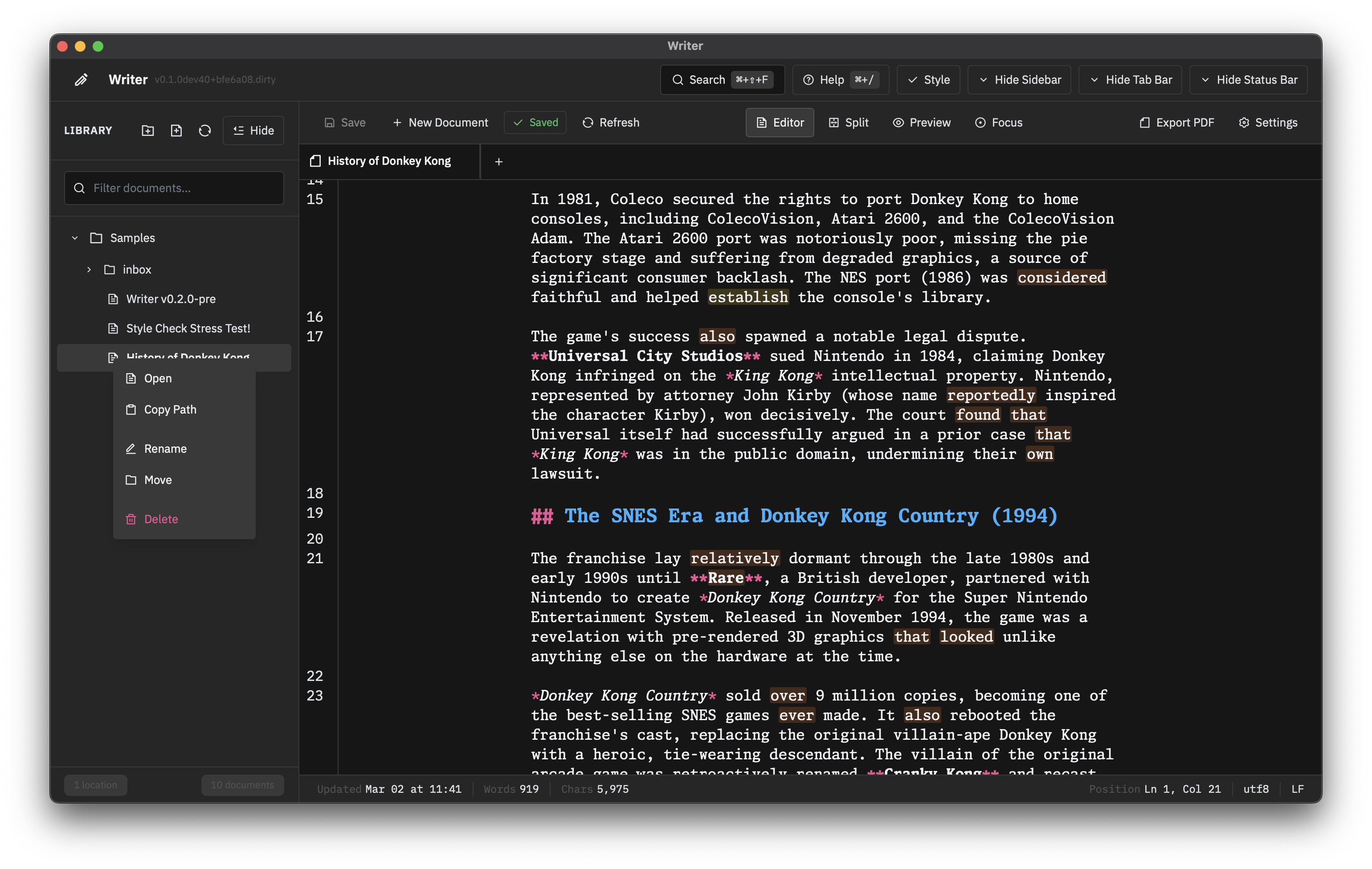
File Management
The sidebar is a full file browser backed by atomic Rust operations.
- Drag and Drop — Reorder documents, move between locations, import
.mdfiles from your OS - Context Menu — Right-click to move, rename, or delete
- Nested Directories — Full folder tree support with create/rename/delete
- Filesystem Watching — External changes are picked up automatically
- Conflict Detection — Writer tells you when a file was modified outside the editor
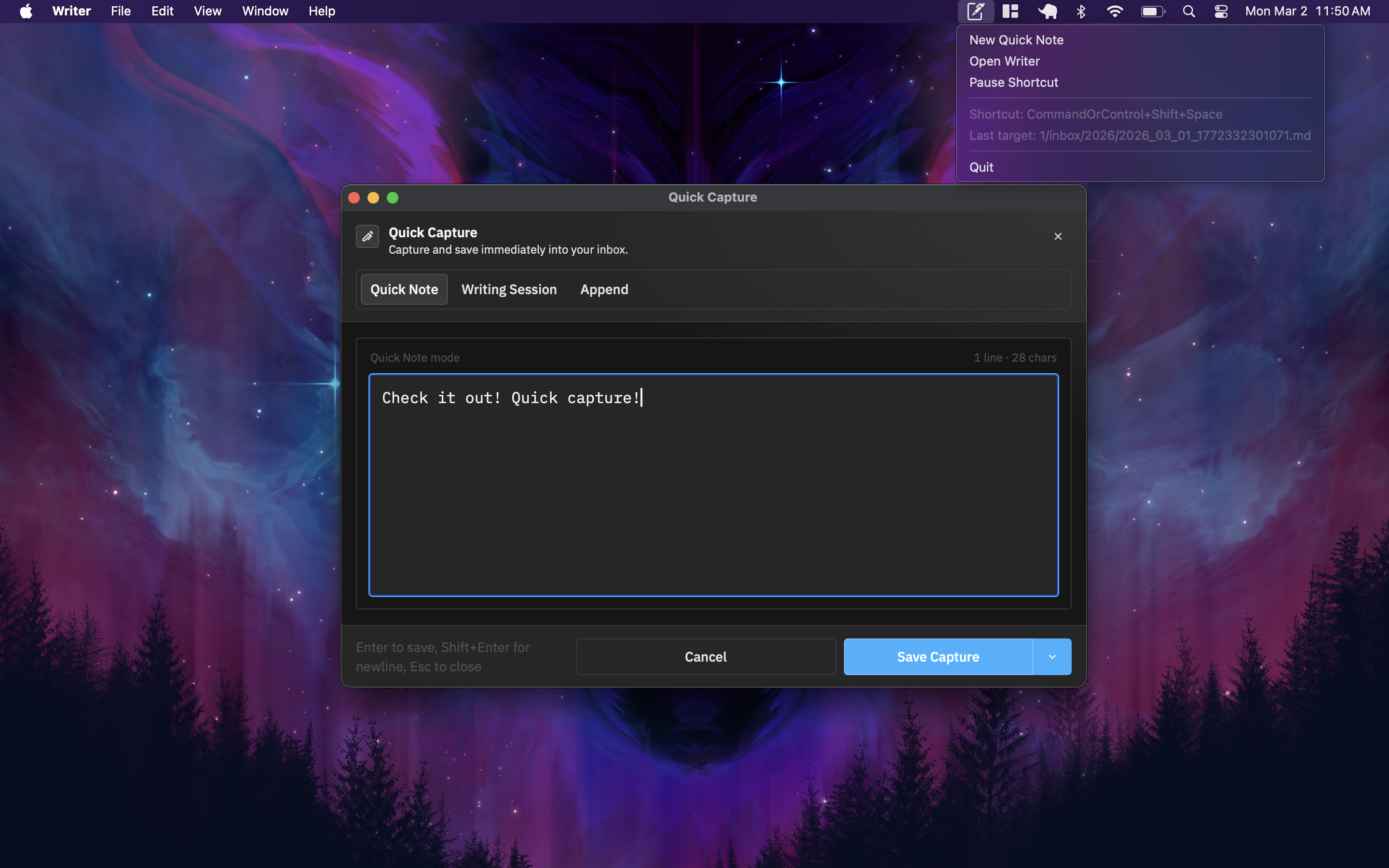
Quick Capture
A global hotkey opens a capture window from anywhere on your system. Three modes:
- Quick Note — Timestamped markdown file in your inbox folder
- Append — Add text to an existing document
- Writing Session — Create a note and jump into the editor
Export
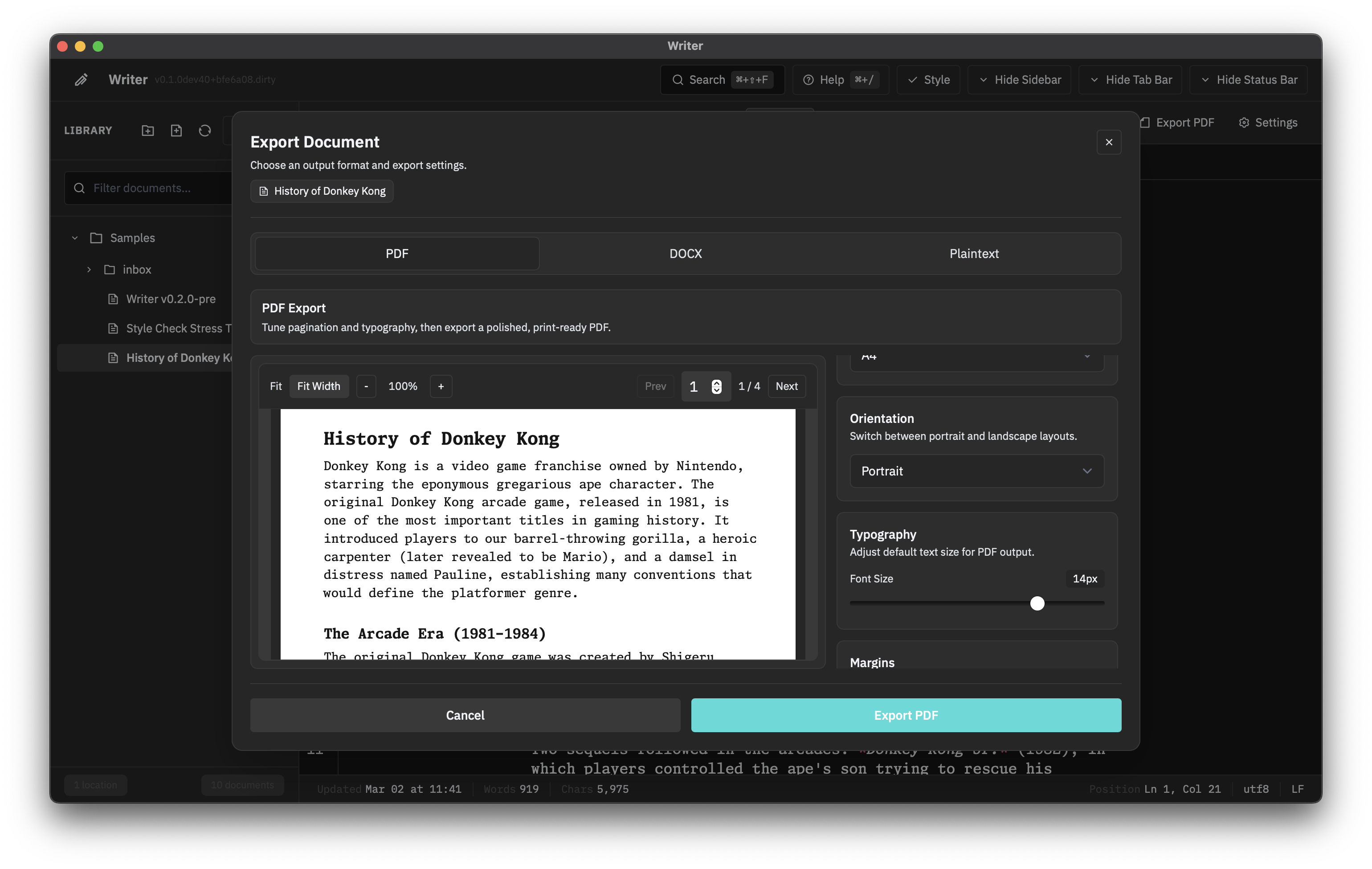
Turn your markdown into something you can hand to someone else.
- PDF — Configurable page size, margins, fonts, headers, and footers. Inline preview before export.
- DOCX — Word-compatible output for collaborators who need it.
- Plaintext — Strip formatting and export raw text.
Markdown processing runs in Rust. Filename sanitization is handled automatically.
Session Persistence
Close Writer, reopen it, and everything is where you left it. Open tabs, pane sizes, layout state — all restored.